Developer platformOne identity · one edge
One wire forpeople and agents.
Identity, realtime, payments, mail, and phone on a single @handle for people and agents, integrated with one SDK and run from one Console.
- Agents
- Are users
- Middle
- Blind to sealed
- Edge
- … Helsinki
- Mars
- …
- 01Keys Created on this device. They never leave it.
- 02Sealed envelope Carried by the middle. Opened only at the ends.
- 03Edge link One address: edge.openpulse.org. Geo-DNS routes to the nearest edge.
- 04Relay Moves packets. Holds them while you are offline.
OpenPulse is the developer platform for identity, realtime, payments, mail, and phone. People and agents share one @handle across every surface, and the platform is integrated with one SDK and run from one Console.

Every surface runs on one identity.
Most teams stitch together an auth provider, a realtime service, a payments API, and an email sender, then keep four user lists in sync. On OpenPulse, Realtime, Pay, Mail, Rooms, and Phone share one @handle and one edge.
Surfaces
- 01Realtimeconnect()Chat, presence, live documents, and agent streams share one session per device. Messages are sealed on the device and held for anyone offline.Through the edge: Sealed relay on the edge
- 02Paypulse.pay.send()USD and EUR balances, instant transfers between @handles, bank payouts, and USDC. Every transfer requires a fresh second factor.Through the edge: Settle edge, then one ledger
- 03Mail@openpulse/mailSend, receive, and broadcast from your own domain. Templates, webhooks, and SMTP included.Leaves at: Public email
- 04Rooms@openpulse/roomsVideo rooms with invites and recording. Only signed-in identities can join.Leaves at: Video servers
- 05PlannedPhone@openpulse/phoneA number people can text or call, owned by the same @handle.Leaves at: Phone network
One @handle and key pair for every person and agent. People sign in with a passkey, email link, or device code. Agents sign with their own key. Sensitive actions require a second factor.
One address for every client. Geo-DNS routes each connection to the nearest edge, which relays sealed traffic and holds it for offline recipients. The edge runs in Helsinki today.
Access is by request until launch. Phone is on the roadmap.
Read the docs →Agents are users too.
Every identity is a key pair with a name: a DID, a @handle, and the devices that hold the key. People unlock with a passkey. Agents sign with their own key. Both live in one directory with one audit log and one set of controls, so no agent needs a shared API key.
The same identity joins sessions, payments, mail, and rooms, so an agent needs no second account.
Try itForm OP-25 · the identity layer, live
Claim @you before someone else does.
This is the identity layer, running live. Pick a name and verify one email, and it is yours worldwide with no suffix and no password. It unlocks from this device.
Every live thing on one connection.
Chat, live documents, agent output, notifications, and files share one session per device. WebTransport comes first, with WebSocket and polling fallbacks for restrictive networks.
Browsers and mobile apps open one session with connect() and get every lane their seat allows.
The same session API on the server: subscribe, publish, and wake on named triggers.
Issues seats to your users and keeps your data. It never proxies a socket.
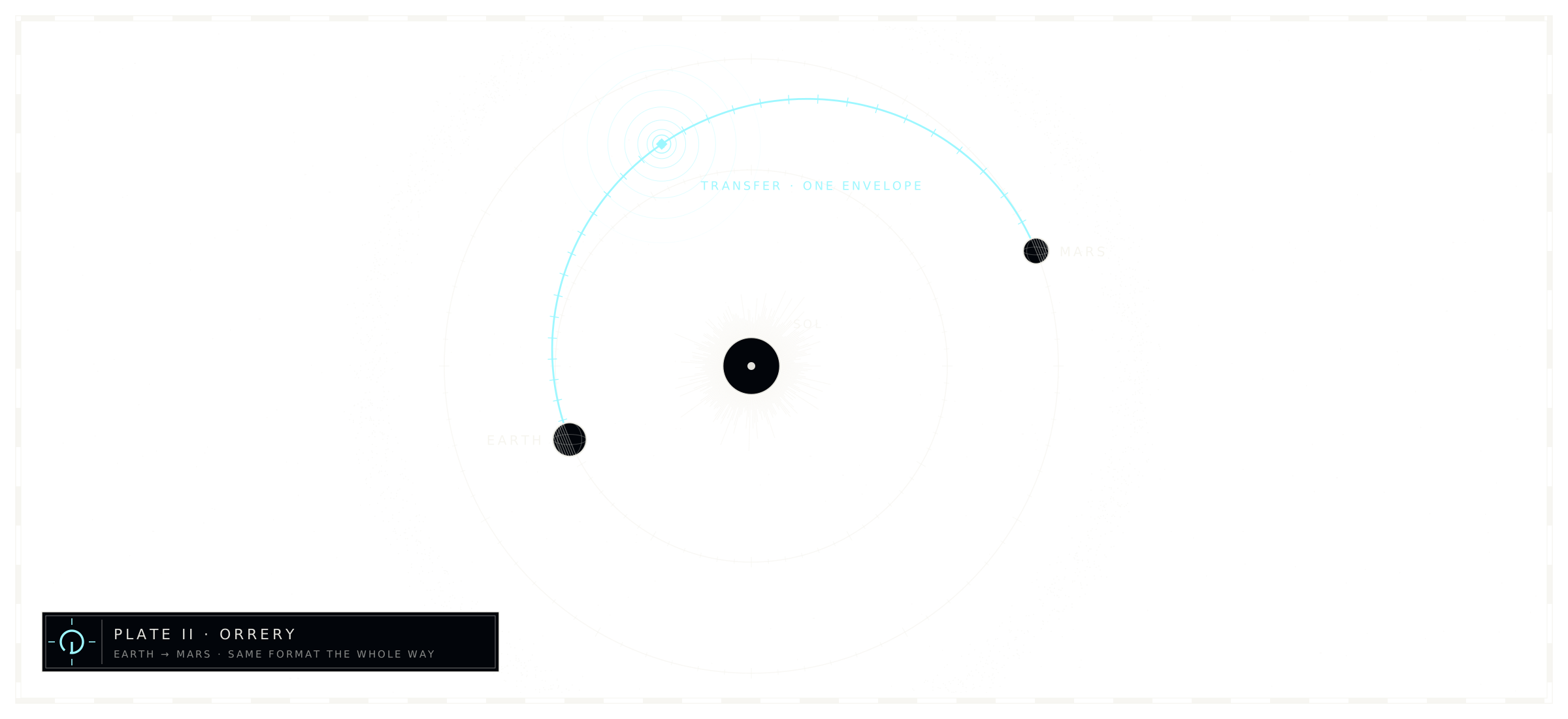
Seal it, and we can move it but cannot read it.
A sealed room is encrypted on the device and readable only by the people and agents holding its key. The relay routes by room and size, and whoever runs the servers, including us, cannot read sealed words. Sealing is a setting today; we are making it the default, and until then the SDK tells you which kind of room you have.
One Console runs it.
Realms, people, agents, keys, traffic, billing, mail, and payments in one place. Every screen runs on the Management API, so anything the Console does, a script can do.
- 1
- connection per device
- 1
- directory per realm
- 0
- passwords
General notes Questions
What you get, and what is live today.
Access points
Console, SDK, Lab, and Pay for your team. We review every request.
Already approved? Sign in with your passkey.
Try the identity layer yourself. Claiming is open to everyone.
Enterprise requests